# API Maker Documentation
> Learn API Maker step by step - install it, connect a database, get REST APIs for every table, add your own TypeScript logic, secure it with tokens and groups, and deploy with Git.
Source: https://docs.apimaker.dev/index.html
API Maker v3.3.0 · The framework for AI era
Connect a database. Get every API. Add your logic.
API Maker connects to your databases and gives every table secure REST APIs at once : 17 per MongoDB collection, 14 per SQL table. You add your own TypeScript in custom APIs, hooks, schedulers and events. Caching, access control, logging, monitoring and Git deployment are built in, and it all runs on your own servers.
Your first API in 10 minutes
Install on a server
Run on your computer
How it works
## Start here
- Install API Maker On a blank Ubuntu server, one command installs everything : Install on a server. On your laptop, the API Maker Local Run desktop app runs API Maker and its databases in Docker.
curl -fsSL https://apimaker.dev/v1/install.sh > install.sh && bash install.sh --default --version=latest --license_key=YOUR_KEY
- Connect a database Put the connection string in the default secret and add an instance. Every table of it gets its APIs right away. A new account even comes with a sample shop : instance, schemas, custom APIs and hooks to read.
- Call an API Get a token of the API user with the token API, send it in
x-am-authorization, and read your data : Your first API walks through it with curl.
- Add your logic Write custom APIs, hooks, schedulers and events in TypeScript, with the global object
g to reach every API of API Maker from your code.
- Secure and ship Groups decide which APIs, tables and fields each application may use, the security report finds the gaps, and a Git pull is the deployment.
## Find your way
⟲
How API Maker works
The life of a request, the API families, the two tokens and where your code runs.
⚡
All APIs at a glance
Every generated, schema, custom and system API with its method and URL, on one page.
{ }
Table schema
Types, validations, conversions, defaults, ids, encryption, relations, concurrency control.
g.
The global object g
Request, response, database, system and cache APIs, logger and shared space in your code.
</>
Code examples
A working snippet for every method of g.sys.db, g.sys.system and g.sys.cache.
H
Request headers
Tokens, response case and format, encryption, caching, sandbox, tenant, language.
⛨
Security
Groups, API users, auth providers, single sign-on, encrypted payloads and the security report.
⚙
Operations
Caching, logs, dashboards, deployment of API Maker itself and its configuration.
☰
Cheat sheet
URLs, headers, query params and the g object on one page, to keep next to your editor.
✦
Docs for AI assistants
llms.txt, the Markdown twin of every page, and how to point an agent at this documentation.
new
↑
Release notes
What changed in every version, from v1.0.0 to v3.3.0.
↗
Benchmarks
Requests per second on Linode servers from 1 to 8 vCPU, with and without caching.
## What you get with every table
| | Schema APIs `/api/schema` | Generated APIs `/api/gen` |
|---|---|---|
| Read | get all, get all by stream, get by id, query, query by stream, count, distinct, distinct with query, aggregate (MongoDB) | the same |
| Write | save single or multiple, master save, update by id, update many, replace by id (MongoDB), array operations (MongoDB), remove by id, remove by query | the same |
| Applies the [schema](/v1/docs/schema/schema.html) | types, validations, conversions, defaults, ids, encryption, concurrency control | no : data passes as it is |
| Filters | [find](/v1/docs/apis-all/query-params/find.html) with `$in`, `$gt`, `$like`, `$regex`, `$and`, `$or`… and [find and join](/v1/docs/apis-all/query-params/find.html#find-and-join-fields-of-related-tables) across tables | the same |
| Related data | [deep populate](/v1/docs/apis-all/query-params/deep.html) across tables, databases and instances | the same |
| Output | JSON, XML, YAML, text, any key case, flat objects, encrypted : [headers](/v1/docs/apis-all/header/requestHeader.html) | the same |
Every one of them can run [pre and post hooks](/v1/docs/apis-all/hooks/preHook-api.html), be [cached](/v1/docs/features/automatic-caching.html), be [logged](/v1/docs/logs/log-profile.html), send [WebSocket notifications](/v1/docs/pages/web-socket-event-page.html) and [emit events](/v1/docs/apis-all/events/user-created-events-api.html).
## Supported databases
MongoDB · MySQL · MariaDB · PostgreSQL · Microsoft SQL Server · Oracle Database · TiDB · Percona XtraDB, in one account at the same time, with queries and [deep populate](/v1/docs/apis-all/query-params/deep.html) across them. The [connection string](/v1/docs/Database-connection-string/mongodb-connection-strings.html) pages show the format for each one.
## Watch
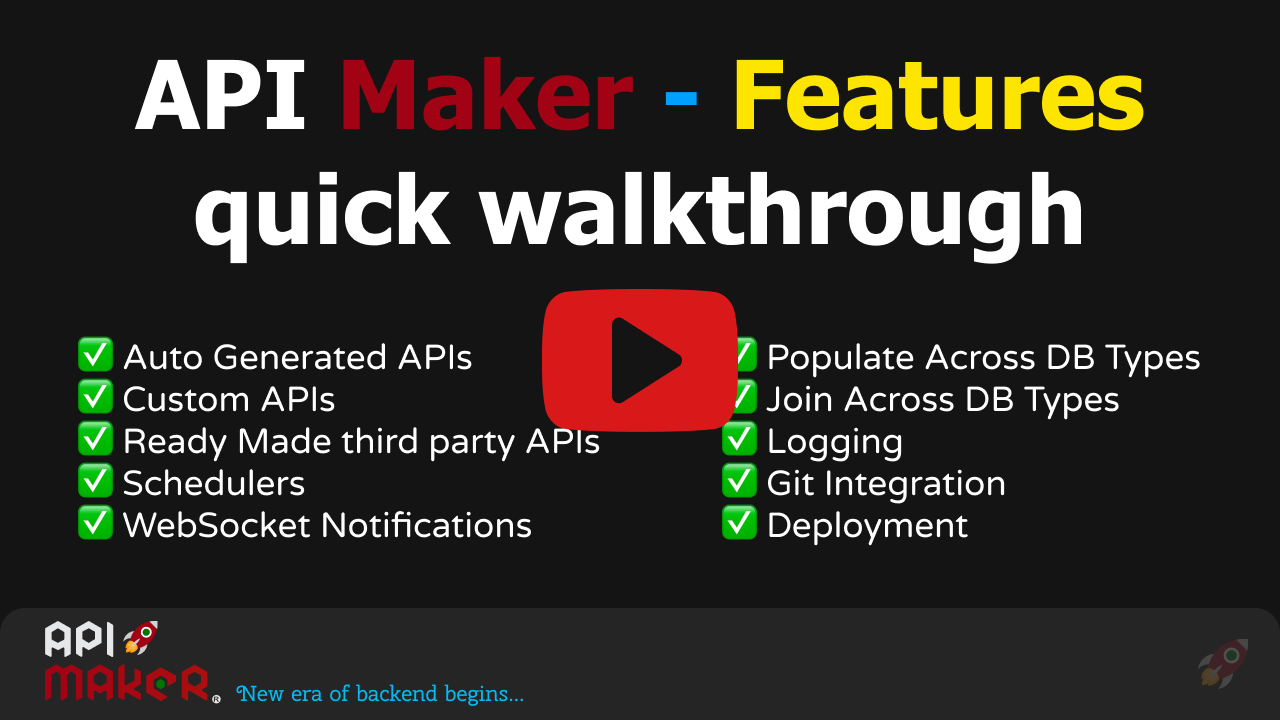 API Maker features quick walkthrough
More on the [Learn API Maker](https://www.youtube.com/playlist?list=PLfJ8NnUMaDUYNNZUX5M_KcIzn9qGCNj43) playlist.
## Stay in touch
[Twitter](https://twitter.com/api_maker) · [LinkedIn](https://www.linkedin.com/company/api-maker) · [YouTube](https://www.youtube.com/@api_maker) · report a problem at [API Maker Planning](https://github.com/APIMaker-dev/API-Maker-Planning/issues) · write to [contact@apimaker.dev](mailto:contact@apimaker.dev).
API Maker features quick walkthrough
More on the [Learn API Maker](https://www.youtube.com/playlist?list=PLfJ8NnUMaDUYNNZUX5M_KcIzn9qGCNj43) playlist.
## Stay in touch
[Twitter](https://twitter.com/api_maker) · [LinkedIn](https://www.linkedin.com/company/api-maker) · [YouTube](https://www.youtube.com/@api_maker) · report a problem at [API Maker Planning](https://github.com/APIMaker-dev/API-Maker-Planning/issues) · write to [contact@apimaker.dev](mailto:contact@apimaker.dev).