API Maker getting started
API Maker is a complete backend solution for generating & building powerful APIs.
Very first step is to install API Maker. You can install in local also.
You can use any VPS from any VPS provider which should have below configuration.
Install API Maker on your VPS
- VPS can be from any cloud provider.
- Minimum System Requirements
1GB RAM1 CPU Core20GB StorageUbuntu 22.04 LTS
- Below script will install all the required components, and it also supports binding custom domains with SSL.
- You can install API Maker in
any flavour of Linux | Windows | Mac, but this installation script only supports Ubuntu. - Installation will store all the important files in
/root/configdirectory.
curl -fsSL https://apimaker.dev/install.sh > install.sh && bash install.sh --default --version=latest
--default This flag will take some default values and tries to give you minimum trouble and proceed with installation process.
--version You can provide API Maker version in this flag.
Install API In Local System
Follow steps from GitHub repository local setup.
API Maker Installation videos
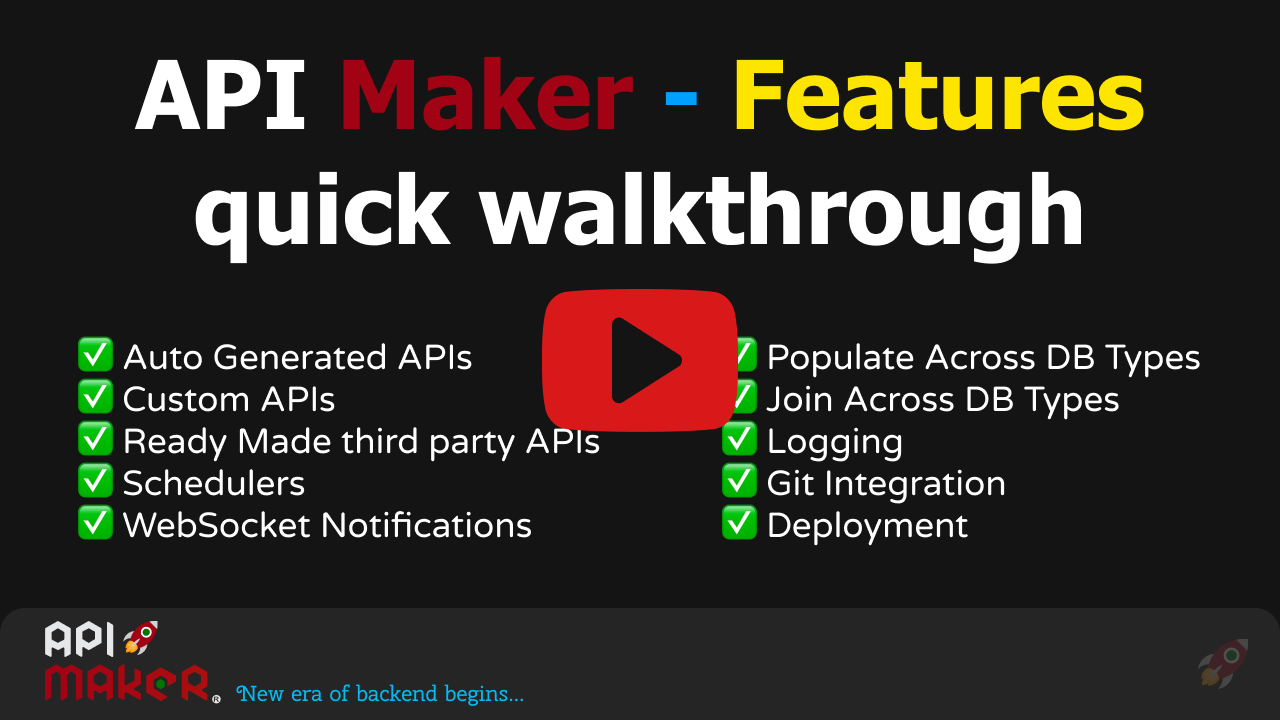
API Maker Features quick walkthrough
Install API Maker in Private VPS
Let's start
You can use MongoDB which is used by API Maker internally, you will find its credentials when installation completes or login to your server and check this file ~/config/.env
You can attach your database from your installation or from any database providers, ex: PlanetScale, MongoDB Atlas, Amazon Aurora
- Generated apis
- Schema base apis
- Custom apis
- System apis
- Third party apis
- Scheduler
- Events
- Web Socket Events
- 8 Cross database queries and operations support
- Secret management
- Single sign on authentication
- Automatic caching
- Logging
- Database migration
- Easy to deploy
- Internationalization
Stay in touch
You can follow us on Twitter | LinkedIn | YouTube, and you won’t miss anything essential.
In case of any issues, you can report them at API Maker Planning